25.09.2026

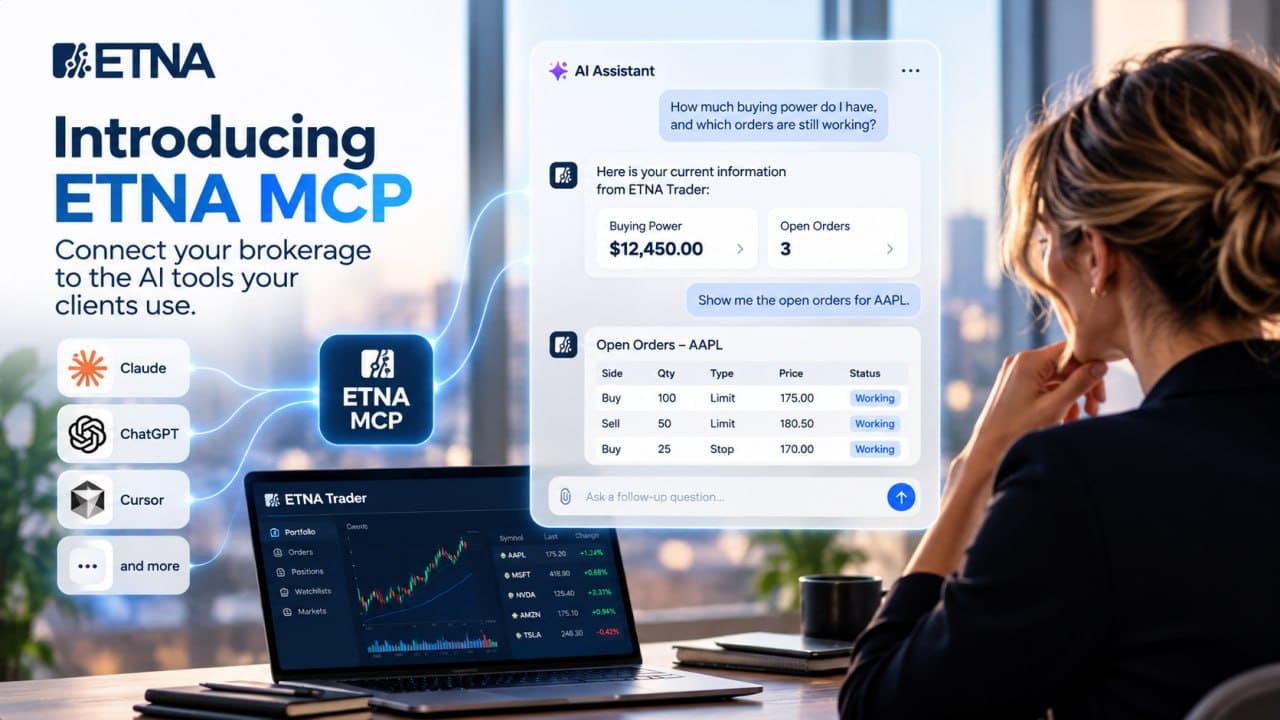
A client asks their AI assistant about their portfolio. To get a useful answer, they open your trading platform, find their positions, and copy the details into the conversation. When they want to check an order, they go back and do it again.
For a client who already uses AI, this is a gap in the account experience. The conversation is in one place. The information needed to continue it is somewhere else.
ETNA MCP gives brokerages a way to connect the two. It connects compatible AI applications such as Claude or Cursor to ETNA Trader so they can request account data and, when trading access is enabled, submit and manage orders. Your clients can work with information from their accounts inside the assistant they are using.
Let clients ask the next question
Consider a client reviewing their account before placing an order.
“How much buying power do I have, and which orders are still working?”
With the account connected, an assistant can retrieve those details from ETNA Trader and present them together. The client can then narrow the question:
“Show me the open orders for AAPL.”
The application can request the relevant orders without asking the client to upload another screenshot or export another table.
For your brokerage, the opportunity is to make account information easier to use in the moment a client needs it. They can ask for the details relevant to their task and continue with a follow-up question. The account data comes from your trading platform through the connection.
Add AI access to the platform you already run
Offering this experience involves connecting an AI application to account information and trading functions. ETNA MCP provides that integration for brokerages using ETNA Trader.
It uses the Model Context Protocol, which defines how AI applications discover and call external tools. A compatible application can use the connection to request information from ETNA Trader. The MCP architecture overview explains the underlying protocol.
Your team can use the server with a compatible external assistant or as part of a brokerage-owned AI experience. That gives you a choice about where to serve clients while reusing your ETNA Trader integration. Your team still shapes how the application presents information and handles client requests.
Introduce trading access at your own pace
Giving clients a more convenient way to review their accounts does not require enabling order entry. ETNA MCP provides read-only access by default. Trading actions are enabled separately.
You can begin with account questions, position reviews, and order lookups. If your product scope includes trading through AI, the server also supports placing, modifying, and canceling orders. The client experience needs to include a clear review of the intended action and an accurate account of its outcome. Every trading action is confirmed by the client before it is submitted, and every trading call is written to the audit log.
This lets your brokerage choose an initial service around a specific client need. An account overview can be a useful starting point, with further workflows added as you evaluate the experience.
Talk to the ETNA team about connecting your brokerage to compatible AI applications and choosing the first client workflow to support. Product overview and how access works: https://www.etnasoft.com/mcp/. To see it on your own platform, book a demo.

Demo Financial Advisor Software
Manage portfolios with advanced rebalancing and real-time insights.
Access customizable client reports and streamlined compliance tools.
Designed for advisors seeking efficient client and portfolio management.

Demo Advanced Trading Platform
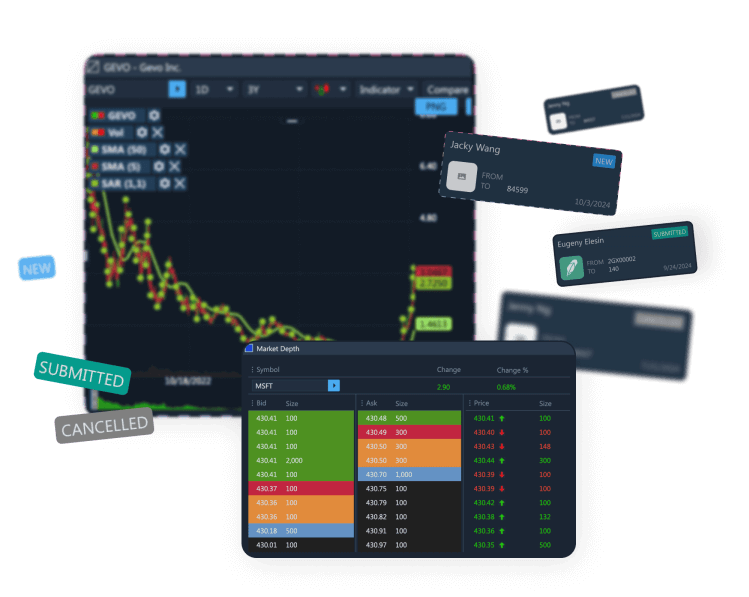
Test multi-asset strategies with real-time and historical data.
Analyze market depth, execute complex options, and algorithmic orders.
Ideal for refining strategies and risk management before live trading.

Demo Paper Trading Platform
Practice trading with virtual funds in real market conditions.
Simulate cash, margin, and day-trader accounts to gain experience.
Perfect for honing skills in a risk-free, customizable environment.